Where to get my affiliate link
Udimi affiliate link
You can find your unique affiliate links in the Affiliates section. This is also your affiliate ID.
There are two different affiliate links:
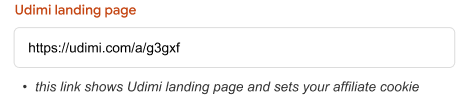
1. Landing page link. Displays Udimi landing page where people can register and then buy solo ad. It sets a cookie to your visitor for 30 days.
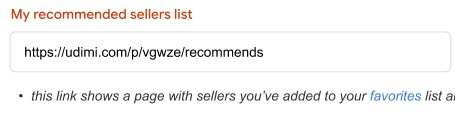
2. Favorite sellers list. Displays all sellers you have added to your “Favorites” list. From there people can pick a seller and buy solo ad, they will instantly be hardcoded to your account.
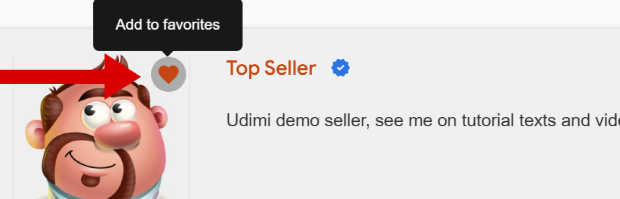
To favorite a seller, click heart icon on right on the search results page or on profile page.
How to make sure my link worked
When you (or your referral) clicks your link, there will be special string at the very bottom of the landing page Special thanks to <Your name>. If you are using tags to differentiate traffic sources, tag name will also be shown.

If your referral sees this string at the bottom of our landing page after clicking your affiliate link, then everything is fine, the cookie has been set and they will receive $5 gift card after the registration and additional $5 gift after the first purchase.
Important hint
Convince your referrals to buy anything on Udimi, because they will get hardcoded to your account and bring you 15% lifetime commissions from all solo ad orders they place on Udimi. Even if they clear cookies or change the device.
Where to see my referrals
Check all your referrals, how much they have spent and your commission on the Affiliates > Referrals page.
You can also see a "Your referral" string on referral's profile, if you visit it.
